Skip to content
HannahRev
RecommendationDemo data

The Best Gaming Monitors

Six monitors we would buy for gaming, chosen from every model on our test bench and ranked on measured motion, latency and picture quality.

HannahRev Test Bench · demo dataset · Updated · Chosen from 8 monitors we have reviewed

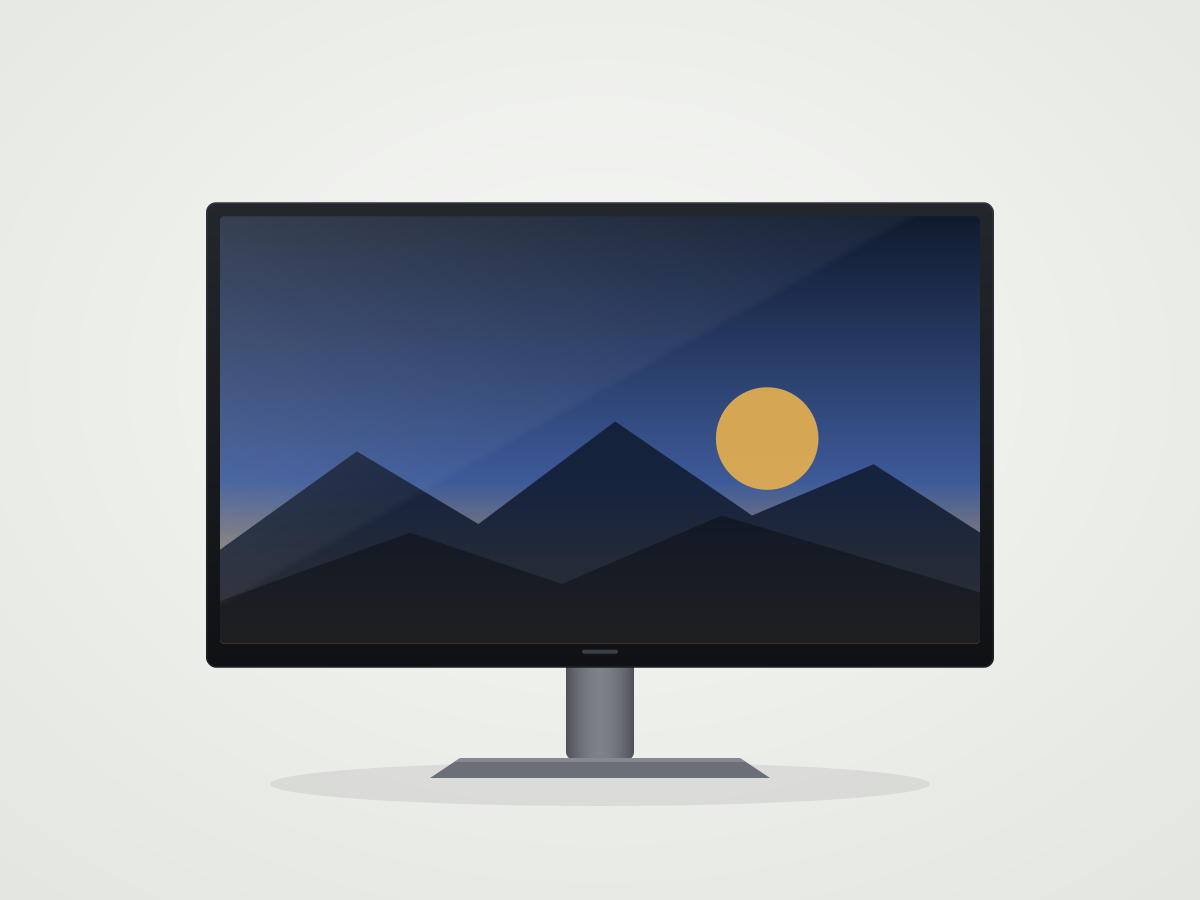
Front view of the Vireon V32-W240 showing the full screen and stand (illustration)Best Gaming MonitorVireon V32-W2408.6

Demo data. Every product and brand listed here is fictional. Scores and measurements are illustrative values used to build the HannahRev templates — they are not laboratory results.

A good gaming monitor does three things well: it shows fast movement without blur, it responds to your input without delay, and it makes the picture look the way the game was designed. Our picks lean heavily on the first two, because they are the hardest to fix with settings.

Every monitor below went through the same set of measurements, and every score on this page is calculated from those results. Use the quick picks if you already know what you need, or read each section for the trade-offs.

HannahRev may earn a commission when you buy through retailer links on this page. Commissions never influence scores or recommendations. Affiliate disclosure

Quick picks

Jump to the pick that matches what you need.

Compare the picks

Scores and key measurements for every recommendation. The best value in each row is marked.

The Best Gaming Monitors compared. The best value in each row is marked.
Metric
Overall score8.17.97.87.15.95.4
PC Gaming8.68.78.46.56.35.9
Console Gaming8.48.58.57.66.54.5
Office7.36.86.56.65.25.6
Editing8.17.77.77.75.75.4
Screen size31.5 in26.5 in26.5 in31.5 in34.0 in27.0 in
Resolution3,840 × 2,1602,560 × 1,4402,560 × 1,4403,840 × 2,1603,440 × 1,4402,560 × 1,440
Panel typeWOLEDQD-OLEDQD-OLEDIPSVAIPS
Refresh rate240 Hz360 Hz240 Hz160 Hz165 Hz180 Hz
Response time (max refresh)0.5 ms0.3 ms0.4 ms5.2 ms9.8 ms6.9 ms
Input lag (max refresh)1.9 ms1.2 ms1.6 ms3.9 ms3.8 ms3.2 ms
Native contrast∞ : 1∞ : 1∞ : 11,350 : 13,600 : 11,050 : 1
SDR brightness (real scene)245 cd/m²250 cd/m²265 cd/m²560 cd/m²420 cd/m²330 cd/m²
HDR brightness (real scene)520 cd/m²440 cd/m²455 cd/m²950 cd/m²820 cd/m²335 cd/m²
DCI-P3 coverage96.5%98.2%98.2%96.0%92.0%80.5%
Colour accuracy (dE)1.601.201.201.301.902.40
Text clarity6.5 / 107.1 / 107.0 / 108.9 / 106.8 / 107.8 / 10
CoatingMatte (anti-glare)GlossyGlossyMatte (anti-glare)Matte (anti-glare)Matte (anti-glare)
USB-C charging90 WNot applicable65 W90 W65 WNot applicable

Our recommendations

#1 · Best Gaming Monitor Top pick

Vireon V32-W240

Overall8.1
Front view of the Vireon V32-W240 showing the full screen and stand (illustration)
1 / 5

Straight-on view · Illustration

The most complete gaming monitor we have tested: sharp 4k on a 32-inch screen, near-instant motion and a 1080p @ 480Hz mode for competitive games.

PC Gaming
8.6
Console Gaming
8.4
Office
7.3
Editing
8.1

Strengths

  • Near-instant response time at every refresh rate
  • Dual-mode 4k @ 240Hz or 1080p @ 480Hz
  • Perfect blacks for dark scenes
  • Full 120Hz support on current consoles

Limitations

  • Full-screen brightness is modest
  • RWBG subpixels soften small text

The V32-W240 earns the top spot because it has no real weakness in games. Its PC Gaming and Console Gaming scores are among the highest we have recorded, and the 32-inch 4k panel is sharp enough for desktop use too.

If you mostly work in bright rooms or keep static windows open for hours, look at the NX32-U160 instead.

Key measurements

Key measurements for Vireon V32-W240
Native Refresh Rate240 Hz8.2
Response time (max refresh)0.5 ms10.0
Input lag (max refresh)1.9 ms9.4
HDR brightness (real scene)520 cd/m²4.0
Native Resolution3,840 × 2,160
Read the full Vireon V32-W240 review

#2 · Best for Competitive Play

Vireon V27-Q360

Overall7.9
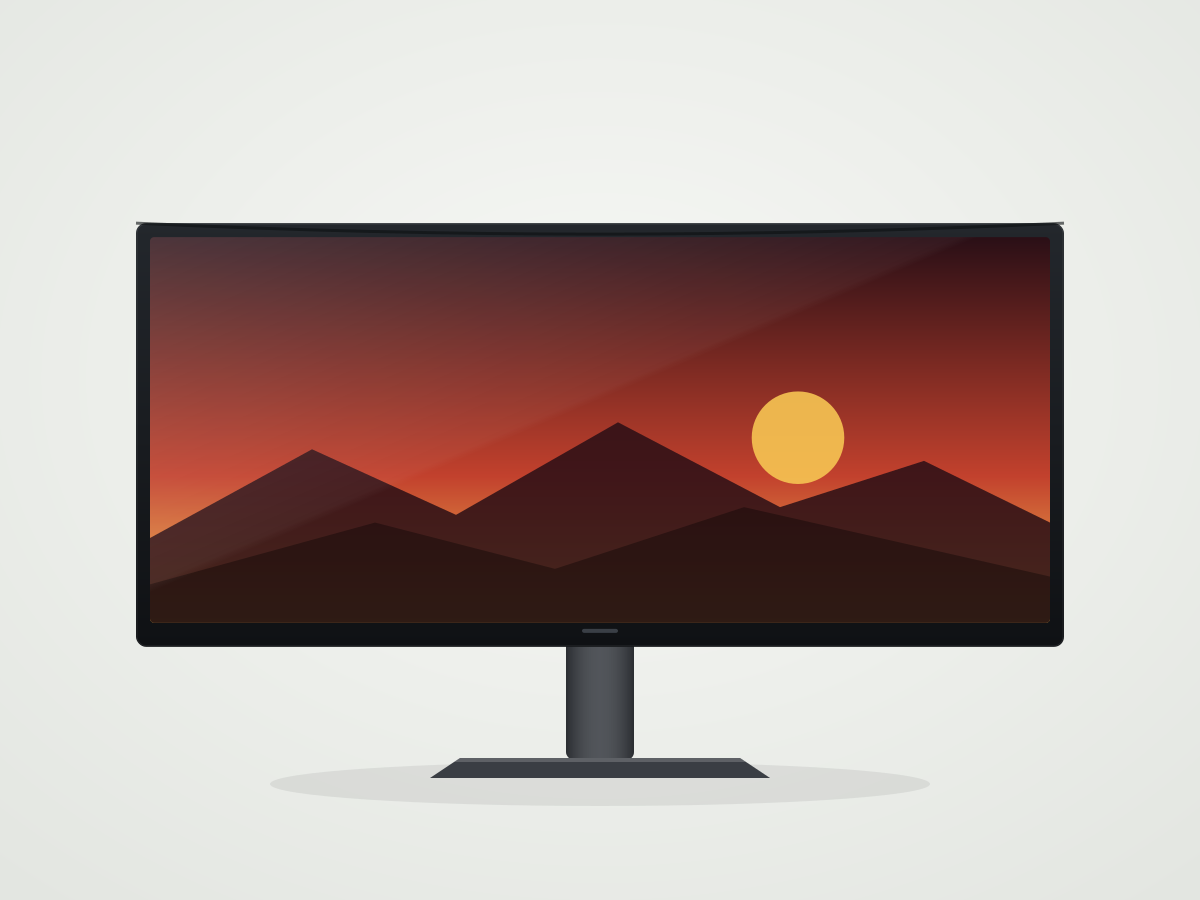
Front view of the Vireon V27-Q360 showing the full screen and stand (illustration)
1 / 5

Straight-on view · Illustration

The fastest monitor on our bench. At 360Hz with barely measurable input lag, it is built for players who want every possible frame.

PC Gaming
8.7
Console Gaming
8.5
Office
6.8
Editing
7.7

Strengths

  • 360Hz native refresh rate
  • Lowest input lag we have measured
  • Stand rotates to portrait

Limitations

  • Glossy coating reflects lamps and windows
  • No USB-C input

The V27-Q360 has the highest PC Gaming score in the catalogue. Motion clarity at 360Hz is visibly better than 240Hz in fast shooters, as long as your PC can keep frame rates that high.

It is less versatile than our top pick: the smaller 1440p screen is less sharp for desktop work and there is no single-cable laptop connection.

Key measurements

Key measurements for Vireon V27-Q360
Native Refresh Rate360 Hz10.0
Response time (max refresh)0.3 ms10.0
Input lag (max refresh)1.2 ms9.9
Total reflected light5.2%6.0
Native Resolution2,560 × 1,440
Read the full Vireon V27-Q360 review

#3 · Best OLED With USB-C

Norvik NX27-Q240

Overall7.8
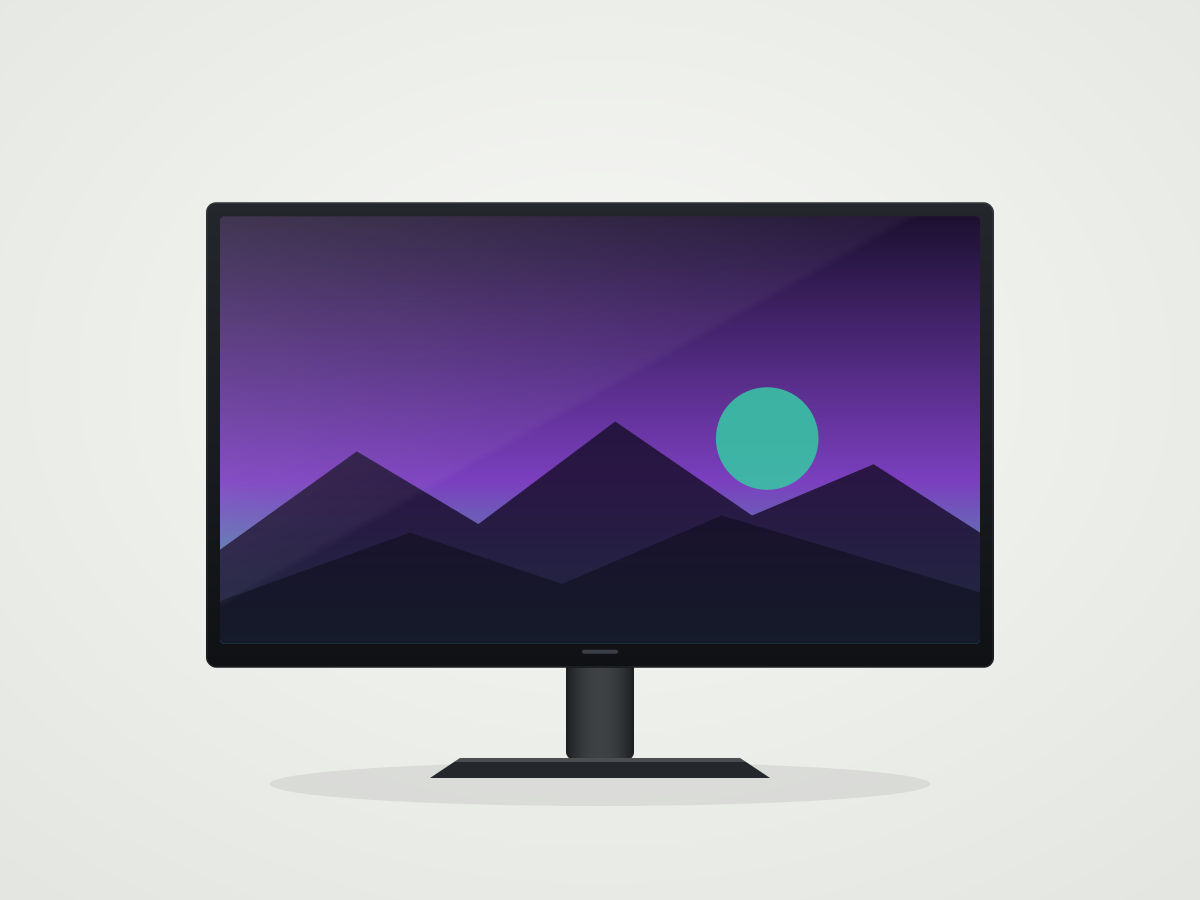
Front view of the Norvik NX27-Q240 showing the full screen and stand (illustration)
1 / 5

Straight-on view · Illustration

A 27-inch QD-OLED that pairs excellent motion with a 65 W USB-C connection, so one cable handles a laptop's display and charging.

PC Gaming
8.4
Console Gaming
8.5
Office
6.5
Editing
7.7

Strengths

  • Near-instant response time
  • Very wide colour gamut
  • 65 W USB-C charging

Limitations

  • Glossy coating
  • Stand does not rotate to portrait

The NX27-Q240 is nearly as fast as our competitive pick at 240Hz and adds the most practical connectivity of the 1440p OLEDs we have tested.

Choose it over the V27-Q360 if you switch between a gaming PC and a laptop.

Key measurements

Key measurements for Norvik NX27-Q240
Native Refresh Rate240 Hz8.2
Response time (max refresh)0.4 ms10.0
Input lag (max refresh)1.6 ms9.6
DCI-P3 coverage98.2%9.7
USB-C charging65 W
Read the full Norvik NX27-Q240 review

#4 · Best for Bright Rooms and HDR

Norvik NX32-U160

Overall7.1
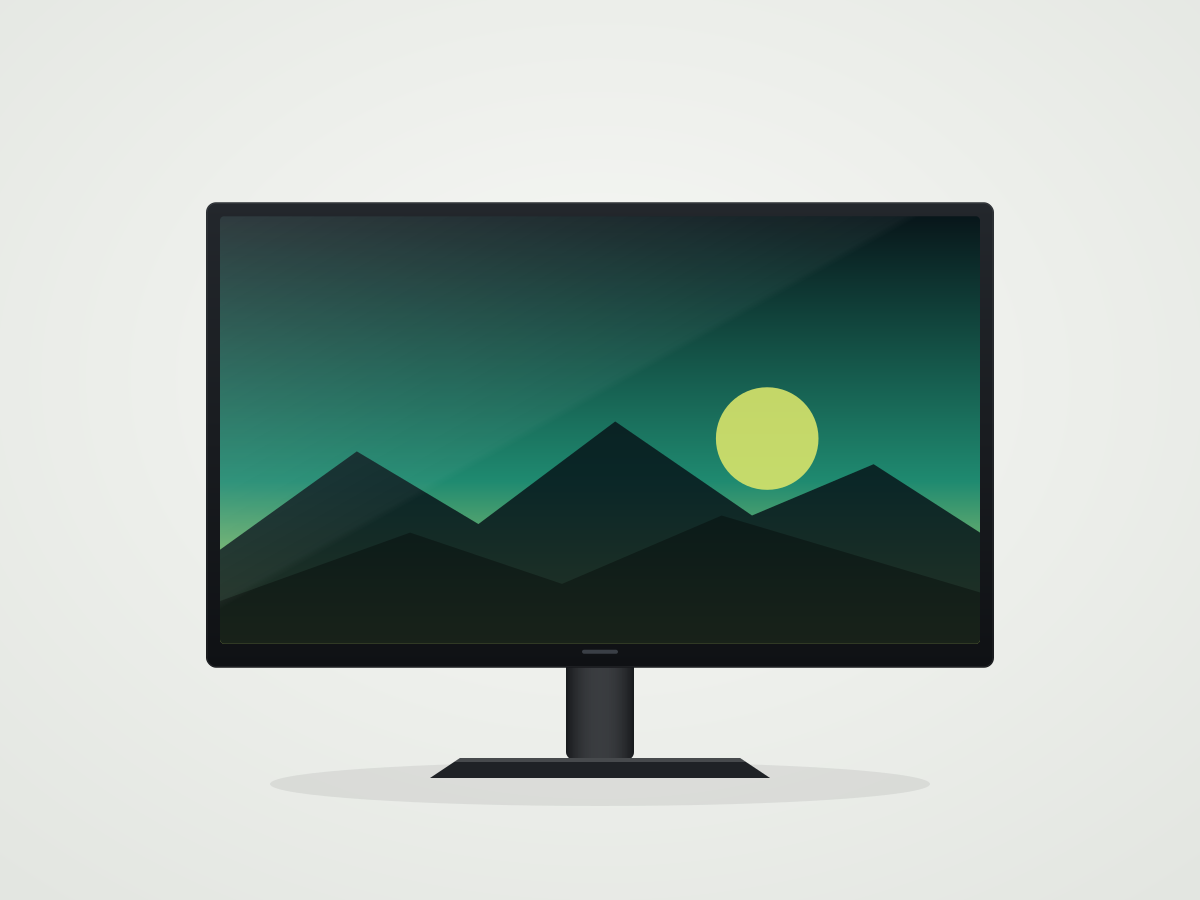
Front view of the Norvik NX32-U160 showing the full screen and stand (illustration)
1 / 5

Straight-on view · Illustration

A Mini-LED 4k monitor that gets far brighter than any OLED on our bench, which makes HDR games and sunny rooms much easier to handle.

PC Gaming
6.5
Console Gaming
7.6
Office
6.6
Editing
7.7

Strengths

  • Highest SDR and HDR brightness in the catalogue
  • Matte coating
  • Sharp 4k text

Limitations

  • Blooming around bright objects
  • Backlight flickers (PWM)
  • Slower response than OLED

If your desk faces a window, the NX32-U160's brightness and matte coating matter more than an OLED's contrast. It also has the strongest Console Gaming score of the LCDs we have tested.

Its motion handling is good rather than great, so competitive players should look at the OLED picks.

Key measurements

Key measurements for Norvik NX32-U160
SDR brightness (real scene)560 cd/m²10.0
HDR brightness (real scene)950 cd/m²9.4
Response time (max refresh)5.2 ms5.9
Input lag (max refresh)3.9 ms7.9
CoatingMatte (anti-glare)
Read the full Norvik NX32-U160 review

#5 · Best Ultrawide

Solenne Vista 34C

Overall5.9
Front view of the Solenne Vista 34C showing the full screen and stand (illustration)
1 / 5

Straight-on view · Illustration

A 34-inch curved ultrawide with a Mini-LED backlight, for immersive single-player games and racing or flight simulators.

PC Gaming
6.3
Console Gaming
6.5
Office
5.2
Editing
5.7

Strengths

  • 21:9 field of view
  • Bright HDR highlights
  • High native contrast for an LCD

Limitations

  • Slow dark transitions cause smearing
  • Narrow viewing angles
  • Backlight flickers (PWM)

No other monitor on our bench offers an ultrawide aspect ratio, and the Vista 34C's contrast and brightness make it a strong choice for cinematic games.

Its VA panel smears in dark, fast scenes, so it is not a pick for competitive shooters.

Key measurements

Key measurements for Solenne Vista 34C
Screen Size34.0 in
Native contrast3,600 : 16.9
HDR brightness (real scene)820 cd/m²7.8
Response time (max refresh)9.8 ms1.9
Native Refresh Rate165 Hz4.8
Read the full Solenne Vista 34C review

#6 · Best Budget Gaming Monitor

Kestrova K27F-180

Overall5.4
Front view of the Kestrova K27F-180 showing the full screen and stand (illustration)
1 / 5

Straight-on view · Illustration

A no-frills 27-inch 1440p monitor that gets the gaming basics right: 180Hz, low input lag and a matte screen.

PC Gaming
5.9
Console Gaming
4.5
Office
5.6
Editing
5.4

Strengths

  • Low input lag
  • 180Hz refresh rate
  • Matte coating handles glare

Limitations

  • Tilt-only stand
  • Narrow colour gamut
  • Overshoot at the fastest overdrive setting

The K27F-180 is the best-scoring basic LCD in the catalogue for PC gaming. It lacks the extras of the monitors above, but nothing about it gets in the way of play.

Budget for a VESA arm if you need height adjustment.

Key measurements

Key measurements for Kestrova K27F-180
Native Refresh Rate180 Hz5.5
Response time (max refresh)6.9 ms4.4
Input lag (max refresh)3.2 ms8.4
Native Resolution2,560 × 1,440
DCI-P3 coverage80.5%3.6
Read the full Kestrova K27F-180 review

Notable mentions

  • Kestrova K24F-1654.9

    A smaller, simpler alternative to our budget pick if you only have room for a 24-inch screen. Text looks soft at 1080p.

  • Altairon A27U Pro7.4

    Excellent for work and colour-critical editing, but its 144Hz panel and slower response time keep it out of the gaming picks.

How we choose

We start from the PC Gaming and Console Gaming usage scores, which weight refresh rate, response time, input lag and variable refresh most heavily. Picture quality, brightness and reflections break ties.

A monitor only earns a category pick when it is the best measured option for that specific need, not just the highest overall score. We re-check picks whenever a new review is published or a result changes.

Read the full monitor test methodology or browse all 8 reviewed monitors.

Questions

Do I need 240Hz or more?

Higher refresh rates reduce motion blur and make input feel more immediate, but only when your PC can produce matching frame rates. For single-player games at high settings, 144Hz to 165Hz is usually enough; competitive players benefit most from 240Hz and above.

OLED or LCD for gaming?

OLED panels have near-instant response times and perfect blacks, which is why they dominate our motion scores. LCDs, especially Mini-LED models, get much brighter and suit bright rooms and static desktop use better.

Does input lag differ between picture modes?

Yes. Our input lag results use the fastest mode each monitor offers. Some processing-heavy modes add noticeable delay, so switch to a game or low-latency mode when you play.