

Key takeaways
- Sit roughly an arm’s length away: OSHA’s preferred range is 20 to 40 inches from eye to screen.
- Put the top of the screen at or slightly below eye level, and the monitor straight in front of you.
- A monitor arm or height-adjustable stand usually improves comfort more than a bigger screen.
Start with distance and height
Most discomfort at a home desk comes from a screen that is too close, too low or off to one side. Before you shop, fix the geometry of the desk you already have. It costs nothing and tells you what you actually need.
20–40 in
Preferred eye-to-screen distance[1]
15–20°
Center of screen below horizontal eye level[1]
≤ 35°
Maximum turn left or right of straight ahead[1]
OSHA’s computer workstation guidance puts the preferred viewing distance at 20 to 40 inches, measured from your eyes to the front of the screen. The top line of text should sit at or slightly below eye level, so that the center of the screen lands about 15 to 20 degrees below your straight-ahead gaze.[1]
Keep the monitor directly in front of you. OSHA advises against placing it more than 35 degrees to the left or right, because constant head turning adds up over a workday.[1]
Tame glare before it tames you
Tilt the screen so it is roughly perpendicular to your line of sight, usually no more than 10 to 20 degrees back. Tilting it further tends to catch ceiling lights, which is when people start squinting or leaning forward.[1]
- Place the desk so windows are to your side rather than directly behind or in front of the screen.
- If overhead light still reflects, OSHA notes that a glare screen may be needed.[1]
- A matte (anti-glare) panel finish also cuts reflections in bright rooms.
- Glossy panels look punchy in a dark room but show more reflections in a bright one; match the finish to your room.
Desk and leg room
OSHA notes that leg clearance under a desk should generally be 20 to 28 inches high. If your desk cannot be adjusted, the usual fix is to raise the chair and add a footrest; a height-adjustable desk solves both at once.[2]
What to look for when you shop
| Feature | Why it matters | Look for |
|---|---|---|
| Height-adjustable stand | Lets you hit the at-or-below-eye-level target | Enough travel to reach your eye height, or VESA mount support |
| Tilt and swivel | Keeps the screen perpendicular to your gaze | Tilt range that covers 10–20° back |
| VESA mount holes | Lets you add a monitor arm later | 75×75 or 100×100 mm pattern |
| Screen finish | Controls reflections in bright rooms | Matte for sunny rooms; glossy for dim rooms |
| Size vs. distance | Too big for your desk depth means turning your head | Choose a size you can see without head turns at 20–40 in |
Resolution, refresh rate and HDR are worth comparing too, but they matter most once the basics above are right. A modest monitor at the correct height usually beats an expensive one perched on a stack of books.
Two-minute desk check
- Eyes 20–40 in from the screen
- Top of screen at or just below eye level
- Screen straight ahead, not off to the side
- No ceiling-light reflections on the panel
- Feet flat, thighs roughly level, 20–28 in of leg clearance
Sources
Every figure in this guide comes from the official sources below. We summarize them in our own words; check the source for the full guidance.
- 1Computer Workstations eTool: MonitorsOSHA, U.S. Department of Labor
- 2Computer Workstations eTool: DesksOSHA, U.S. Department of Labor
This guide is general consumer information, not medical, legal or professional advice. Always follow the manufacturer’s instructions for your product. See our editorial policy and affiliate disclosure.
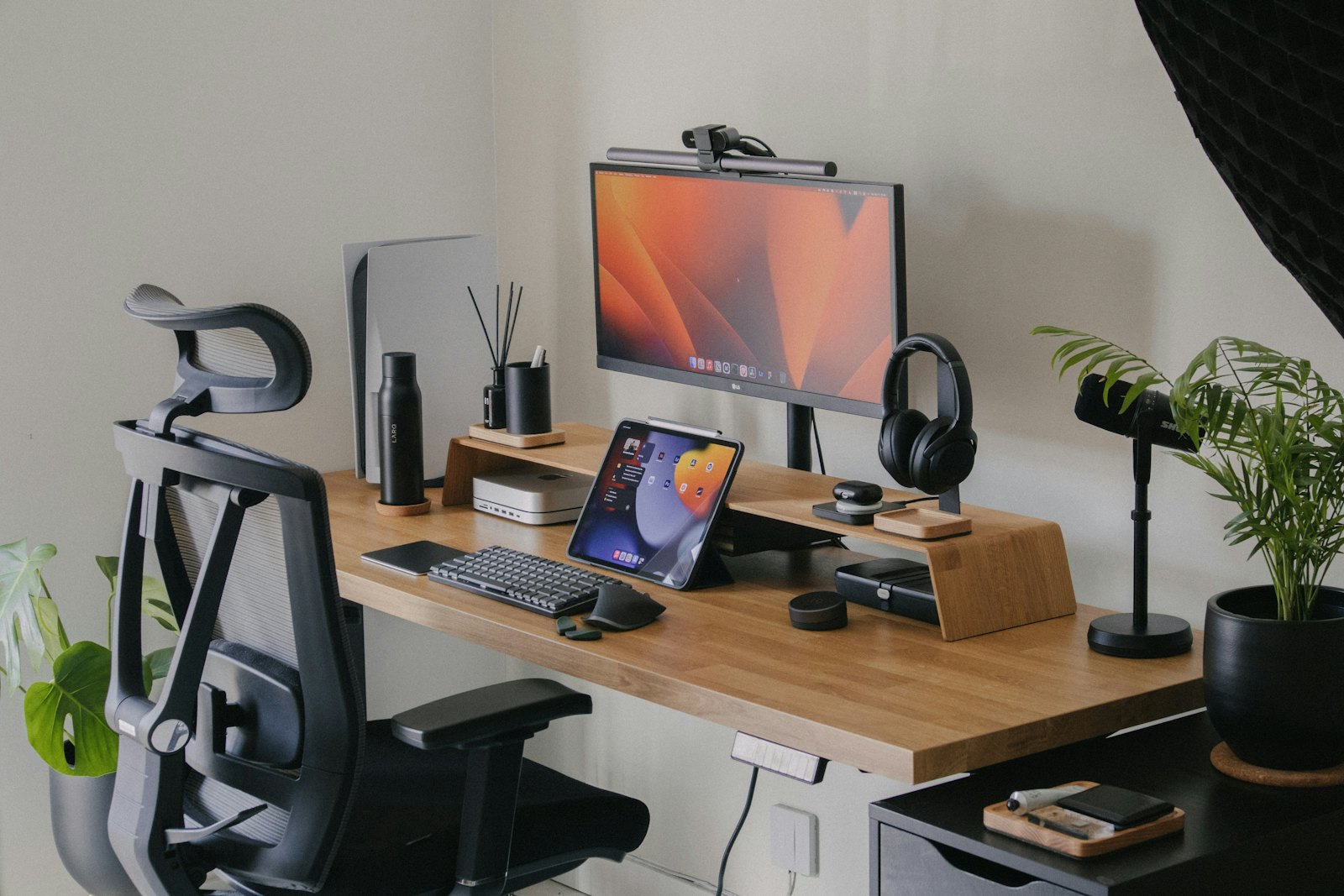
Photo: Nubelson Fernandes on Unsplash
Leave a Reply