

The right monitor makes long workdays easier on your eyes and makes games and movies look dramatically better. We sorted this year’s standouts by what you’ll actually do with them, from a $250 all-rounder to a 49-inch ultrawide.
HannahRev is reader-supported. When you buy through our links we may earn a commission, at no extra cost to you. Our picks are based on published specifications, hands-on reviews from trusted testers and owner feedback.
Our picks at a glance
| Product | Best for | Price | Size | Resolution | Panel | Refresh |
|---|---|---|---|---|---|---|
| MSI MPG 341CQR QD-OLED X36 | Best overall | $900 | 34 in ultrawide | 3440 × 1440 | QD-OLED | 360 Hz |
| Alienware AW2726DM | Best value | $349 | 27 in | 2560 × 1440 | OLED | 240 Hz |
| Alienware AW2525HM | Best 1080p monitor | $250 | 25 in | 1920 × 1080 | LCD | 320 Hz |
| Alienware AW2725D | Best 1440p OLED | $530 | 27 in | 2560 × 1440 | QD-OLED | 280 Hz |
| MSI MPG 321URXW QD-OLED | Best 4K monitor | $800 | 31.5 in | 3840 × 2160 | QD-OLED | 240 Hz |
| BenQ PD3226G | Best for creatives | $1,099 | 31.5 in | 3840 × 2160 | IPS | 144 Hz |
| MSI Pro Max 271UPXW12G | Best for Mac users | $600 | 27 in | 3840 × 2160 | QD-OLED | 120 Hz |
| Samsung Odyssey OLED G9 | Best super-ultrawide | $900 | 49 in | 5120 × 1440 | OLED | 240 Hz |
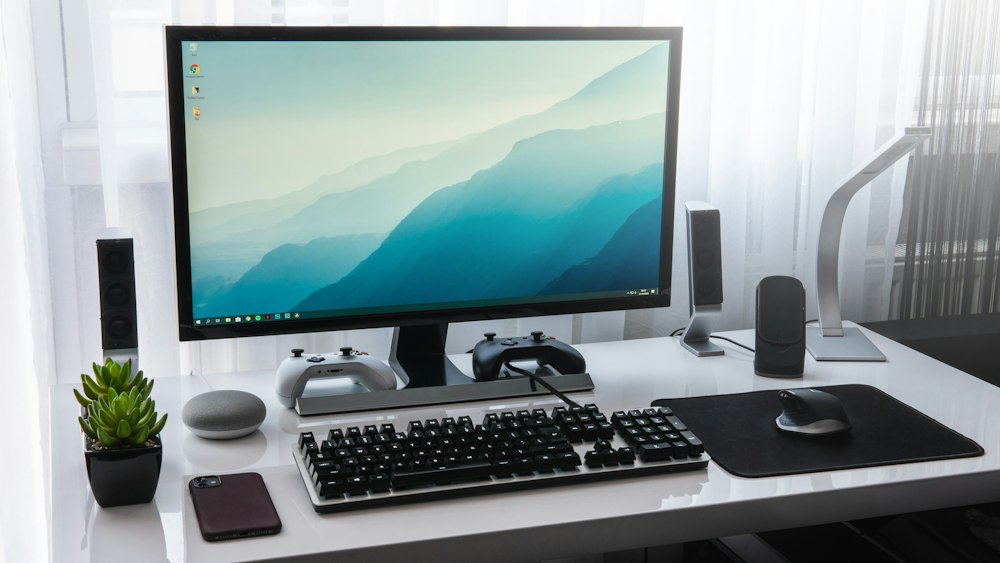
1. MSI MPG 341CQR QD-OLED X36 — Best overall
A curved ultrawide that does almost everything well: vivid enough for movies, fast enough for esports and wide enough to replace two screens.
Specs: Size: 34 in ultrawide · Resolution: 3440 × 1440 · Panel: QD-OLED · Refresh: 360 Hz · List price: $900
Pros:
- Rich, accurate color
- Extremely fast for gaming
- Immersive curved ultrawide
Cons:
- Expensive
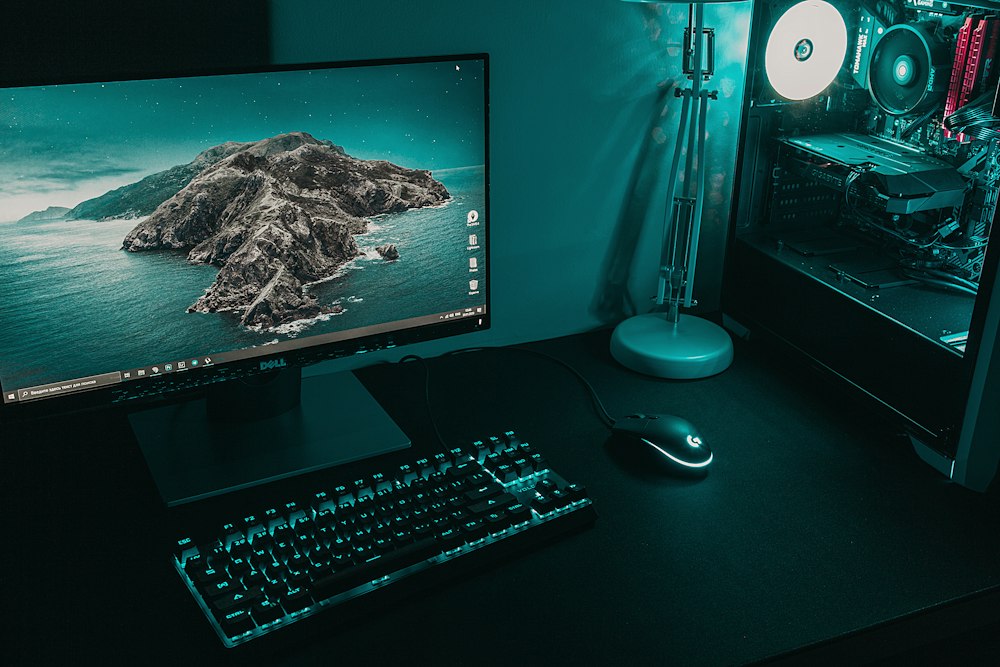
2. Alienware AW2726DM — Best value
A surprisingly affordable way into OLED. Contrast and motion clarity are a big upgrade over typical LCDs.
Specs: Size: 27 in · Resolution: 2560 × 1440 · Panel: OLED · Refresh: 240 Hz · List price: $349
Pros:
- OLED picture at a mid-range price
- Fast and smooth
Cons:
- HDR looks dim
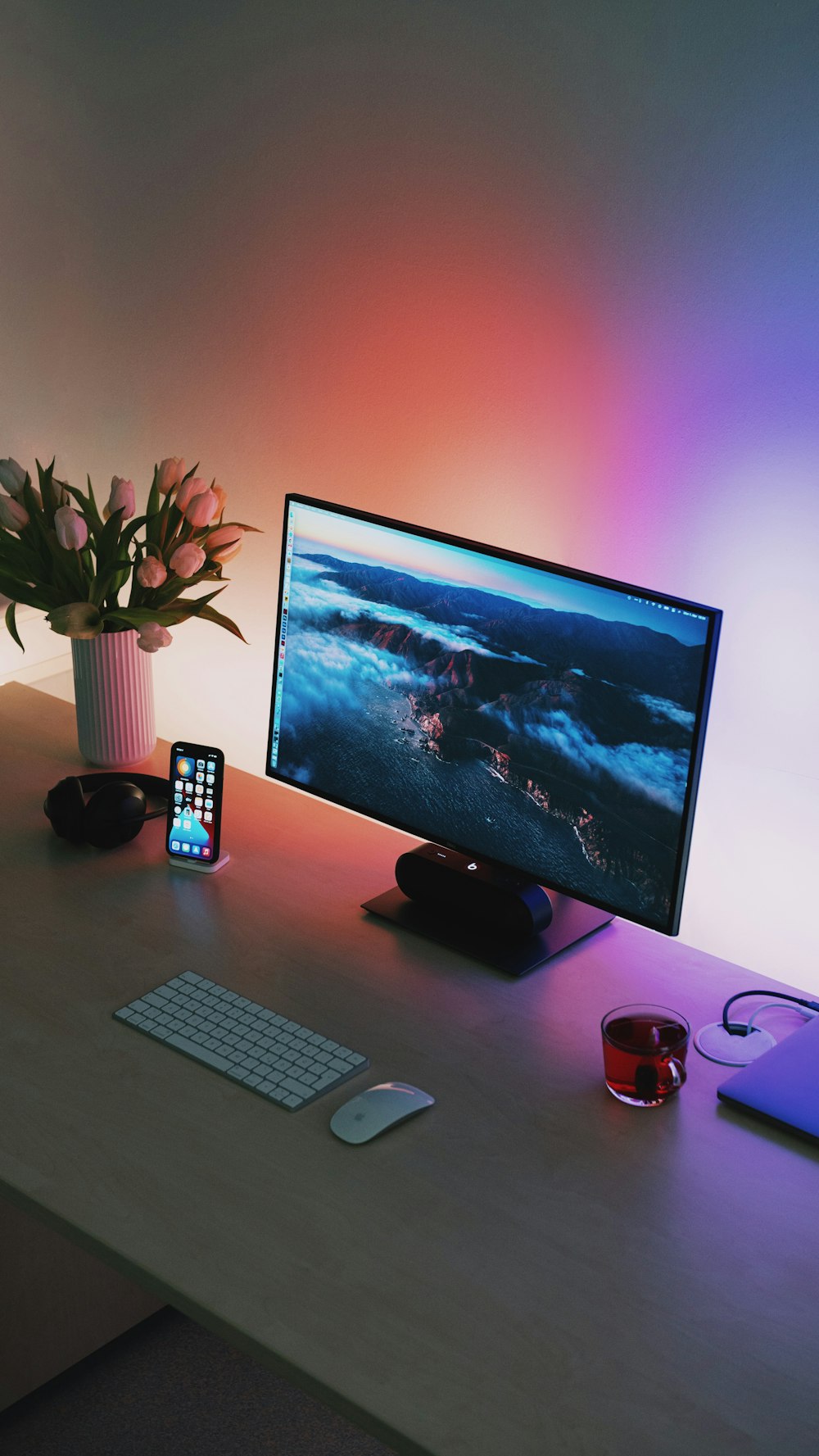
3. Alienware AW2525HM — Best 1080p monitor
A compact, very fast 1080p screen. It’s ideal for competitive gamers and smaller desks.
Specs: Size: 25 in · Resolution: 1920 × 1080 · Panel: LCD · Refresh: 320 Hz · List price: $250
Pros:
- Great for gaming and office work
- Low price
Cons:
- No speakers
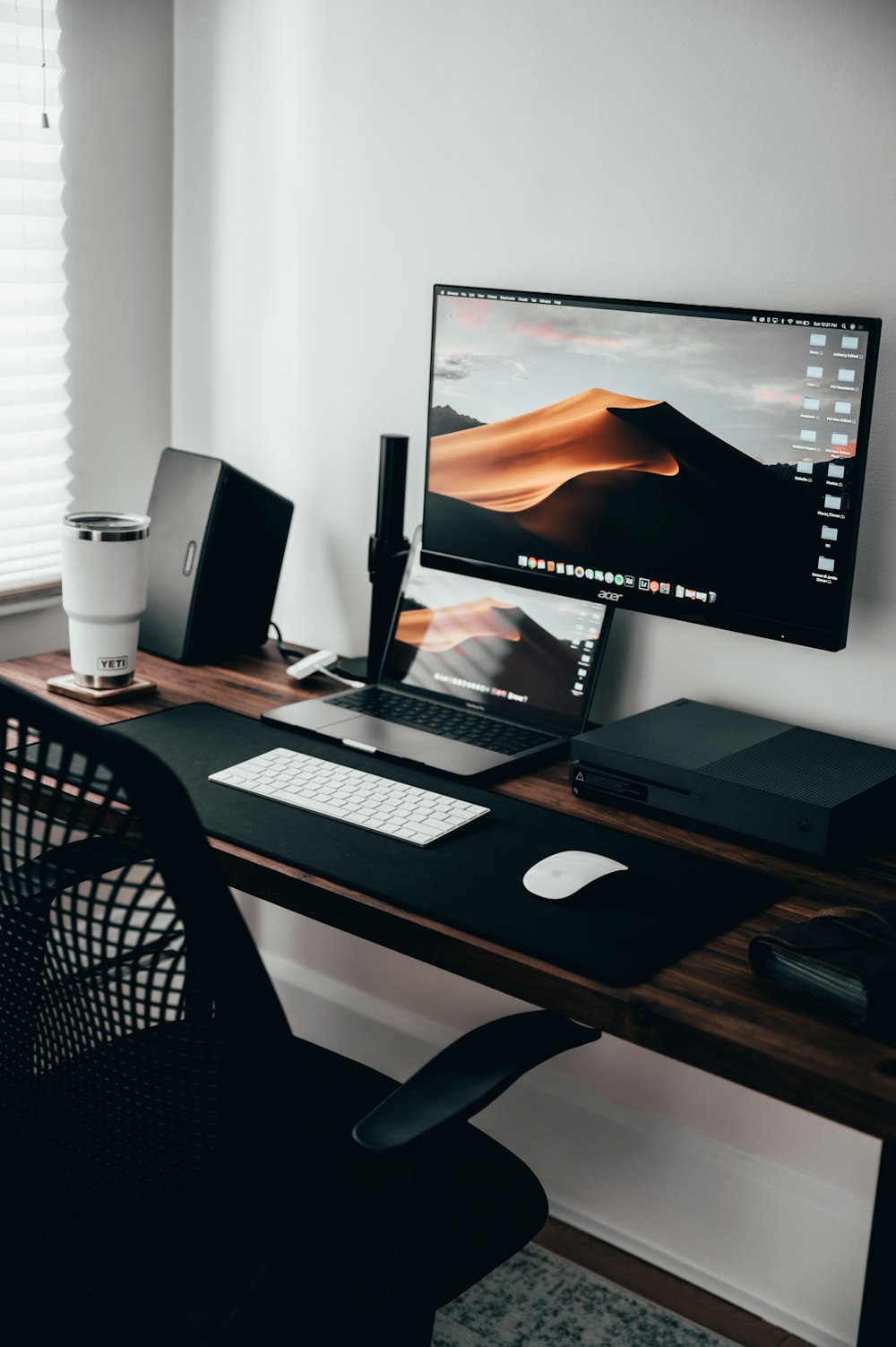
4. Alienware AW2725D — Best 1440p OLED
Sharp 1440p and QD-OLED color make this a top pick for gamers who also stream and edit.
Specs: Size: 27 in · Resolution: 2560 × 1440 · Panel: QD-OLED · Refresh: 280 Hz · List price: $530
Pros:
- Gorgeous QD-OLED panel
- Very fast response
Cons:
- Limited ports
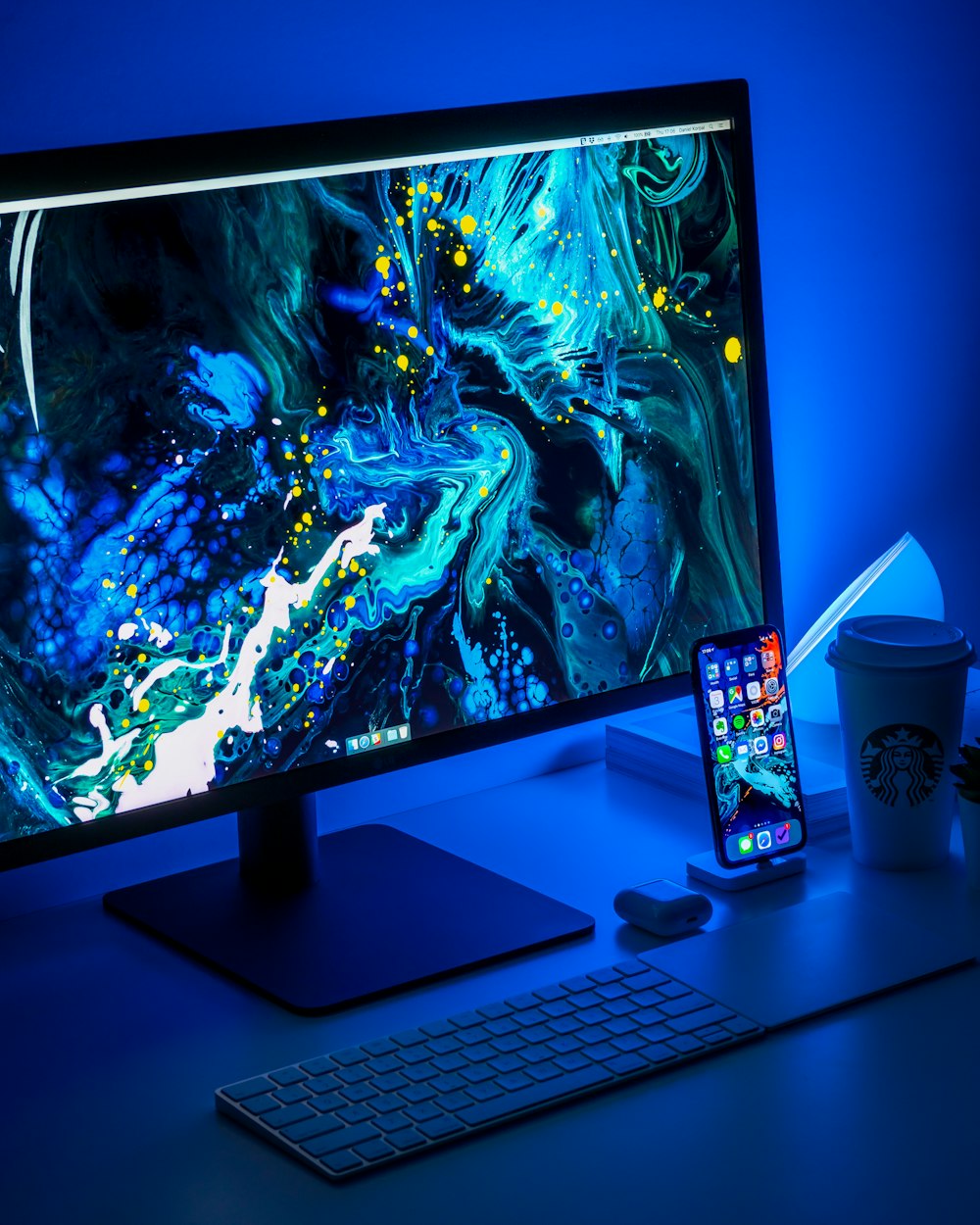
5. MSI MPG 321URXW QD-OLED — Best 4K monitor
For people who want 4K detail without giving up gaming speed. It’s equally good for photo work and movies.
Specs: Size: 31.5 in · Resolution: 3840 × 2160 · Panel: QD-OLED · Refresh: 240 Hz · List price: $800
Pros:
- 4K with a 240 Hz refresh
- Stunning image quality
Cons:
- Premium price

6. BenQ PD3226G — Best for creatives
A big, accurate 4K canvas built for photo, video and design work, with a faster-than-usual refresh rate.
Specs: Size: 31.5 in · Resolution: 3840 × 2160 · Panel: IPS · Refresh: 144 Hz · List price: $1,099
Pros:
- Strong color accuracy
- Productivity features for designers
Cons:
- Modest peak brightness

7. MSI Pro Max 271UPXW12G — Best for Mac users
A crisp 4K panel that pairs well with MacBooks, with enough ports to act as a desk hub.
Specs: Size: 27 in · Resolution: 3840 × 2160 · Panel: QD-OLED · Refresh: 120 Hz · List price: $600
Pros:
- Plays nicely with Macs
- Plenty of ports
Cons:
- Mounting utility is finicky
8. Samsung Odyssey OLED G9 — Best super-ultrawide
Two 27-inch monitors’ worth of space in one curved screen. Spectacular for racing and flight sims.
Specs: Size: 49 in · Resolution: 5120 × 1440 · Panel: OLED · Refresh: 240 Hz · List price: $900
Pros:
- Wraparound 49-inch view
- Vibrant OLED color
Cons:
- Needs a very large desk
Want the full background first? Read our home office monitor setup guide.
How to choose monitors
Size and resolution
27 inches at 1440p is the sweet spot for most desks. Step up to 4K at 27–32 inches for sharp text and photo work; 1080p only makes sense at 24–25 inches.
Panel type
OLED and QD-OLED deliver perfect blacks and the best contrast, but cost more and can dim in bright rooms. IPS is a dependable all-rounder for office work.
Refresh rate
60 Hz is fine for spreadsheets. Gamers notice a big jump at 144 Hz and above; 240 Hz+ matters mostly for competitive shooters.
Ports and ergonomics
USB-C with charging turns a monitor into a one-cable laptop dock. A stand that adjusts height saves your neck.
FAQ
Is OLED burn-in still a problem?
Modern OLED monitors use pixel-shifting and refresh routines and many include multi-year burn-in warranties. Mixed use is generally fine; avoid leaving static windows on screen for days.
What size monitor do I need?
Sit about an arm’s length away. At that distance 27 inches suits most people; ultrawides need a deeper desk.
Leave a Reply